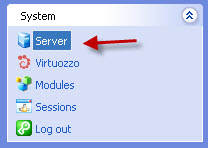
1- Log in to your control panel at https://YOURIPADDRESS:8443 and, after logging in, click Server in the left menu.
2- Services tab, click Mail.

3- In the menu that opens, under the Server-Wide mail preferences tab, check the Enable message submission box and click Ok .
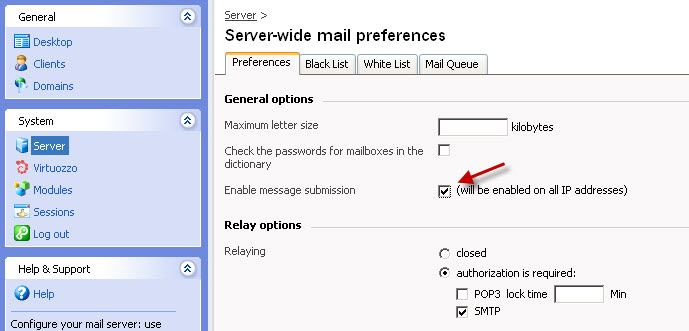
After these steps, your server will use port 25 for SMTP communication with other mail servers and port 587 for users who have accounts on the server.











