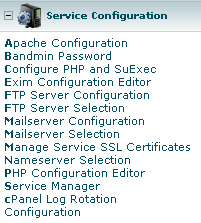
1. After logging in to cPanel, select "Service Manager" under "Service Configuration" in the left menu.
2. You will see the services on your server that you can manage with cPanel. On this page, tick the checkbox in the Enabled column of the "cpanel on another port" option and enter 587 in the port field.

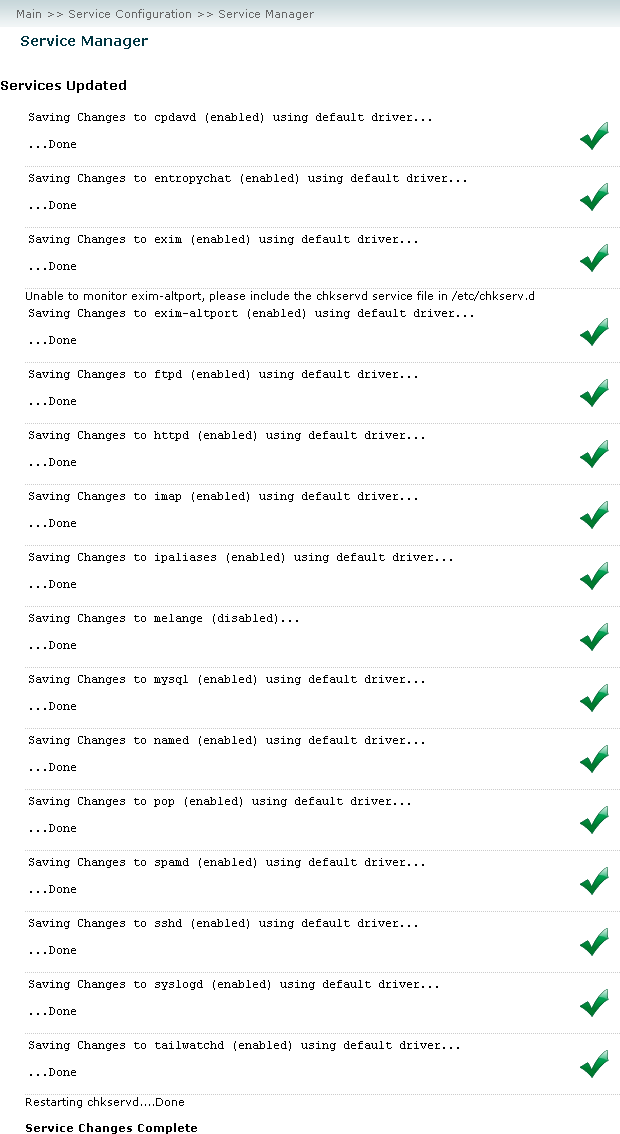
3. Finally, click the "Save" button. When you see a screen like the one below with "Service Changes Complete" at the bottom, the process is complete.