Android Mail Settings
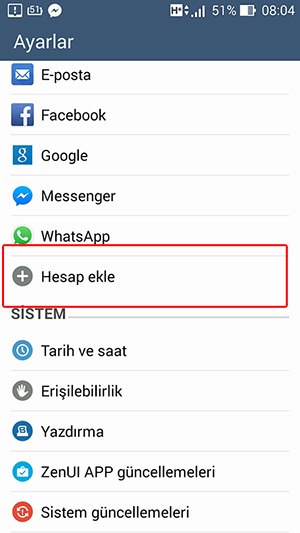
1- In the Settings menu, tap the Add Account button.
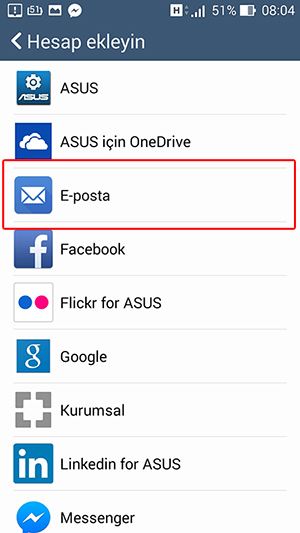
2- On the screen that opens, tap Email.
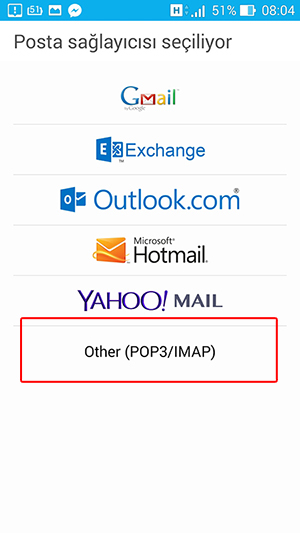
3- On the next screen, choose Other ( POP3/IMAP ) as the mail provider.
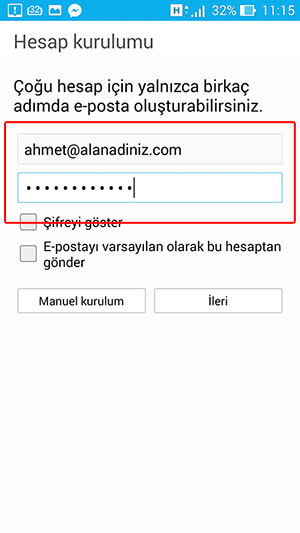
4- Enter your full email address and Password, then tap Next.
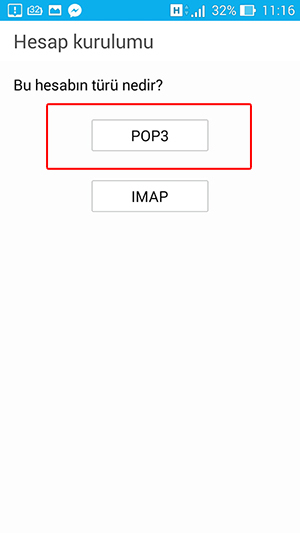
5- As the account type, choose POP3.
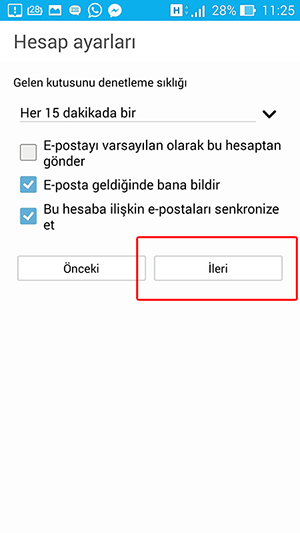
6- Set your preferences in the account settings.
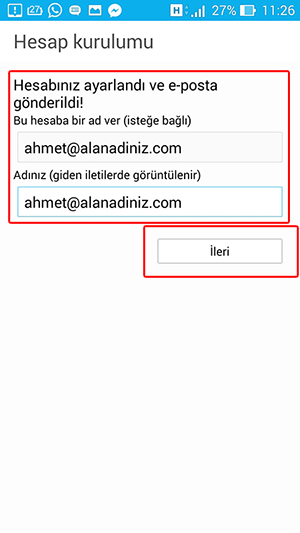
7- Enter your display name as you like and tap Next.
If there are no errors, your email account has been set up.
If there are no errors, your email account has been set up.