Our free SSL Checker shows whether your certificate is installed correctly on the server and trusted by browsers.
Step by step
- Open the SSL Checker page.
- Enter your domain or server IP address and click Check.
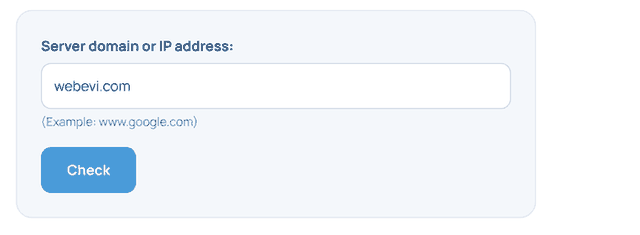
- Review the results; green padlocks show that the certificate and the chain are installed correctly.
What do the results mean?
| Item | Description |
|---|---|
| Issuer | The authority that issued the certificate (e.g. Let's Encrypt, Sectigo) |
| Days until expiry | How many days until the certificate expires |
| Alternative names (SANs) | The names the certificate covers; check that www is included |
| CHAIN | Intermediate certificates; if missing, some devices show a warning |
Other free SSL tools
- CSR Generator and CSR Decoder
- SSL Converter (PEM, DER, PFX)
Need help? Open a support ticket from your client area or call +90 216 348 35 03.








